A call belongs in the conversation.
Start a call from your direct or group chat. Incoming-call invitations help your people join you, while the conversation stays close by for links, messages, and anything you want to share along the way.
 ROOMRUSHOpen ROOMRUSH
A quick catch-up that turns into hours. A familiar face on a faraway day. Start a voice or video call right where you are already chatting.
Open ROOMRUSH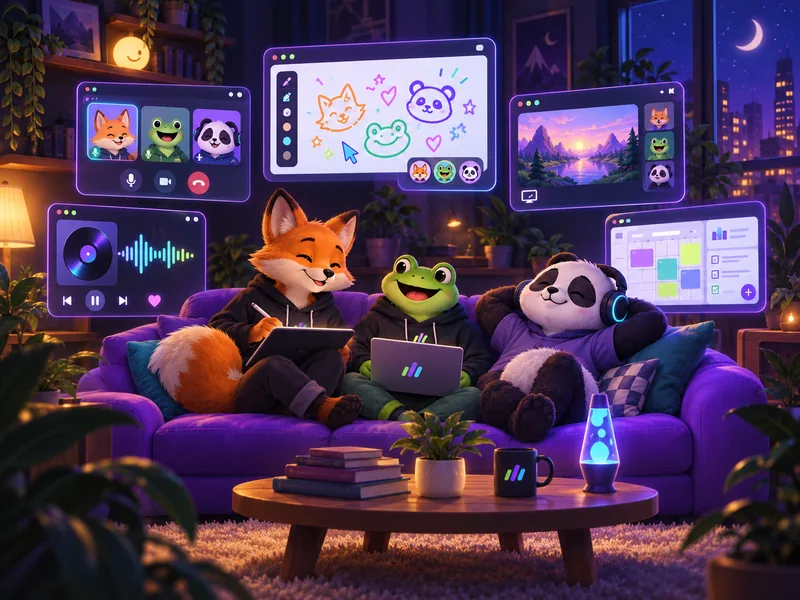 Voice & video calls
Start a call from your direct or group chat. Incoming-call invitations help your people join you, while the conversation stays close by for links, messages, and anything you want to share along the way.
Choose voice or video and control your microphone and camera during the call. Speaking indicators make it easier to follow along. A connection status view helps you understand what is happening if your network gets in the way.
Screen sharing is available as a separate Together activity. Start a share, let your friends choose to watch, and keep your camera and microphone controls independent. Screen capture depends on your browser and device, and always asks for permission.
Open a conversation with the people you want to call.
Start a voice or video call and allow the browser permissions you choose.
Let your friends join, then catch up at your own pace.
No. You can use voice calling and control your camera and microphone independently.
Yes, through the Together tools on supported browsers and devices. You choose what to share in your browser's screen selection prompt. Some mobile browsers do not support screen capture.
Give your conversations a little more room.